
Virtual on-screen keyboard for any taste
Replace Windows On-Screen Keyboard with Hot Virtual Keyboard and start typing like a pro in just minutes!
Hot Virtual Keyboard packs a number of advanced features to make on-screen typing faster, easier, and more accurate. Make full use of your touch-screen or type with a mouse quickly and efficiently!
30-day trial No credit card 12.2 MB
New v10.1.1 released October 19, 2026 What's New?
Compatible with Windows 11, 10, 8, 7
Try Our Virtual Keyboard — No Download Needed
Click, type and play with this mini demo. The real Hot Virtual Keyboard does much more — download it free and see for yourself.
This is just a tiny demo
The real Hot Virtual Keyboard supports all languages and layouts installed in Windows, follows your physical keyboard in real time and works on the Windows logon screen too.
Want to type faster on a touch screen? Hot Virtual Keyboard adds word suggestions, gestures and programmable keys that type whole phrases for you.
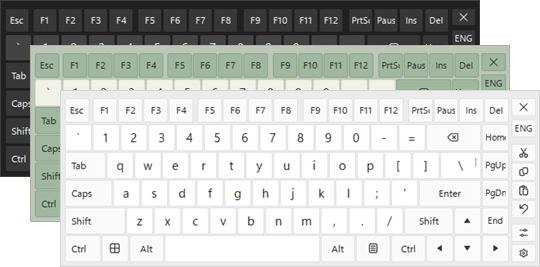
The real app ships with dozens of ready-made skins and lets you fine-tune colors, transparency, size and even key shapes.
Click any row to copy the symbol. To type it with a physical keyboard, hold Alt and enter the code on the numeric keypad.
Typography
| — | Alt+0151 | Em dash |
| – | Alt+0150 | En dash |
| “ | Alt+0147 | Left double quote |
| ” | Alt+0148 | Right double quote |
| ‘ | Alt+0145 | Left single quote |
| ’ | Alt+0146 | Apostrophe |
| « | Alt+0171 | Left guillemet |
| » | Alt+0187 | Right guillemet |
| … | Alt+0133 | Ellipsis |
| • | Alt+0149 | Bullet |
| § | Alt+0167 | Section sign |
| ¶ | Alt+0182 | Pilcrow |
Legal & Currency
| © | Alt+0169 | Copyright |
| ® | Alt+0174 | Registered trademark |
| ™ | Alt+0153 | Trademark |
| € | Alt+0128 | Euro |
| £ | Alt+0163 | Pound sterling |
| ¥ | Alt+0165 | Yen |
| ¢ | Alt+0162 | Cent |
Math & Science
| ± | Alt+0177 | Plus-minus |
| × | Alt+0215 | Multiplication |
| ÷ | Alt+0247 | Division |
| ° | Alt+0176 | Degree |
| µ | Alt+0181 | Micro |
| ½ | Alt+0189 | One half |
| ² | Alt+0178 | Superscript two |
Arrows & Fun
| ← | Alt+27 | Left arrow |
| → | Alt+26 | Right arrow |
| ↑ | Alt+24 | Up arrow |
| ↓ | Alt+25 | Down arrow |
| ♥ | Alt+3 | Heart |
| ♪ | Alt+13 | Eighth note |
| ☺ | Alt+1 | Smiley |
With Hot Virtual Keyboard you can put any of these symbols on a custom key — no codes to remember.
Join over 444,000 satisfied users around the world


















Complete Customization
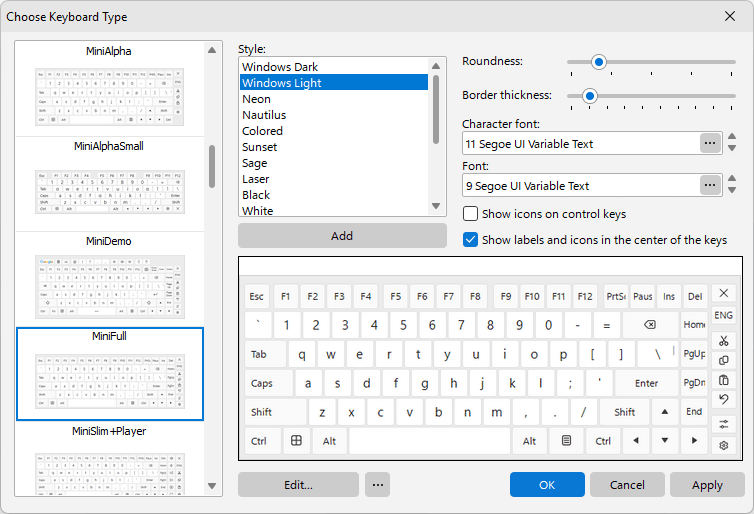
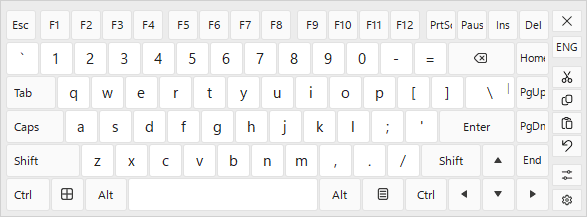
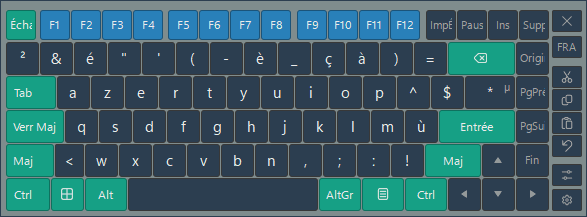
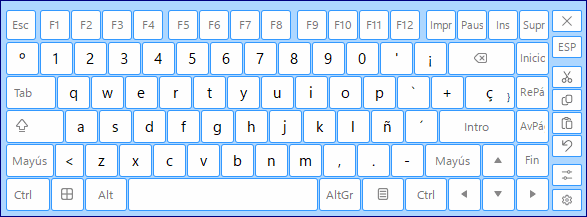
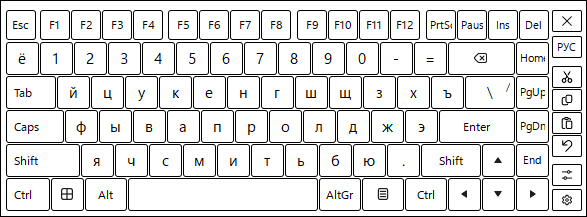
There are more than 70 different virtual on-screen keyboards supplied with Hot Virtual Keyboard.
Haven't you found the perfect keyboard? Modify any virtual keyboard or create your own interactive keyboard by specifying the background, shape, color, and font of the keys, sounds for different groups of keys, and many more parameters to create a virtual on-screen keyboard to your liking. Browse ready-made keyboard skins or jump straight to a symbols keyboard for special characters.
Learn More
International Support
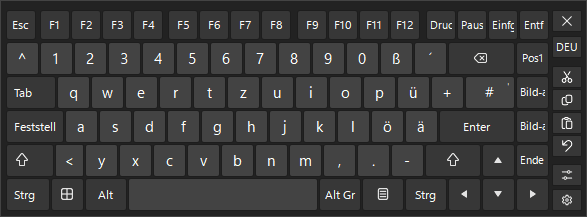
Hot Virtual Keyboard supports all languages and keyboard layouts installed in Windows and is ready to help users of any devices all over the world.
Programmable Keys
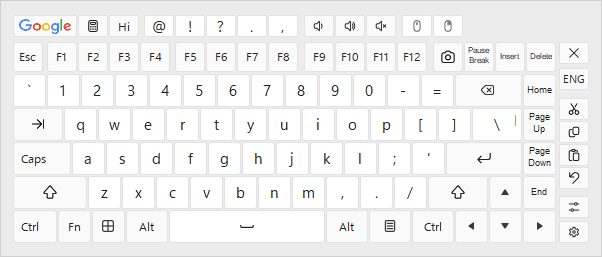
A single tap launches an application, opens a Web site or executes a keystroke macro. Pre-program keyboard shortcuts to perform routine text editing tasks such as copying and pasting, or to control the behavior of opened windows and various aspects of your system.
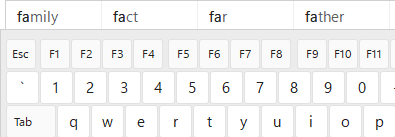
Text Suggestions
Hot Virtual Keyboard software lets you type faster and more accurately by suggesting words based on just one or two taps.
The technology works much like the one available in smartphones, enabling faster and more accurate typing by suggesting the correct words after entering just a few symbols. Users of Tablets, Ultra-mobile PCs, Panel PCs, Car PCs, and similar touch-screen devices will find this feature indispensable.
Gestures Support
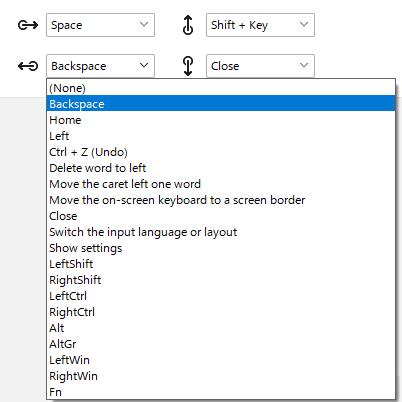
Hot Virtual Keyboard enables you to use gestures to quickly type capital letters, spaces or perform other specified actions.
A three-finger tap on your touchscreen will toggle the visibility of the on-screen keyboard.
To move the on-screen keyboard, touch it with two fingers and move them in the same direction.
To resize the keyboard, touch the on-screen keyboard with two fingers and then move the fingers toward each other (pinch) or away from each other (stretch).
Reviews
I wanted to tell you how much I like Hot Virtual Keyboard. Someone suggested your program to me, and I find it far superior. Your software works with email, both of my word processors, and anything else I need. So thanks for your product and for your assistance.
This keyboard has made a big difference to my computer activity.
I am a full-on quadriplegic and am only capable of head movement. So, it goes without saying that using a computer was difficult/impossible. But, thankfully, there are some great applications out there that make computers accessible to those like me; and HVK is one of those apps that has truly made a huge difference in my life. More
I have used your Virtual keyboard and I just want to say you have great product. Thank You.
First of all let me thank you for this tool which is by far the best of its category including all features I ever thought of. Good job, I love it, love using it on my tabletpc in replacement to the so limited windows tip. I registered the next day I tried it. Many thanks.
The app actually looks very good though, you can rearrange the keys and make a custom keyboard. I bet someone here could come up with a good layout.
Stats
Tech Specs
| Version | 10.1.1 Version History |
| Released | October 19, 2026 |
| File Size | 12.2 MB |
| Price | $29.95
Pricing |
| Download | Buy Now |

Microsoft® Windows® 11 / 10 / 8.1 / 8 / 7
Microsoft Windows Server® 2025 / 2022 / 2019 / 2016 / 2012 / 2008 R2