
Virtual Keyboard Skins
You can design your own virtual keyboard, or modify a pre-made keyboard that will save you time.
Hot Virtual Keyboard has options for assigning images to each key of the on-screen keyboard: separate images for different key states, a separate font color for each key state, "Transparent", "Draw a border around a key", "Resize with a key", "Fit by width and height".
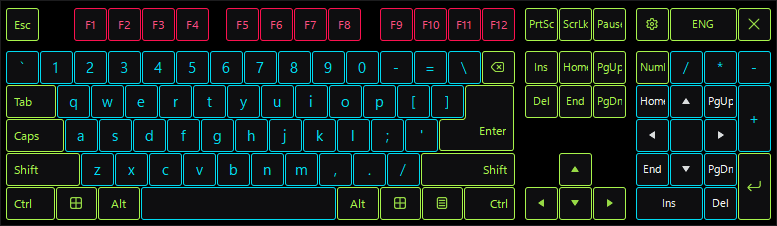
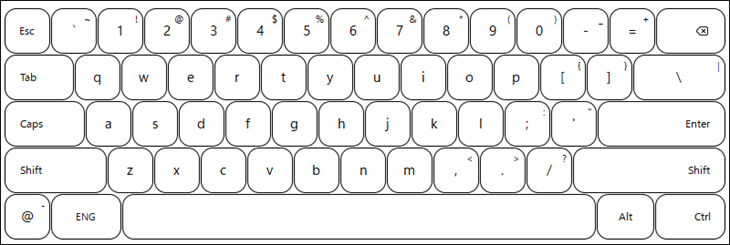
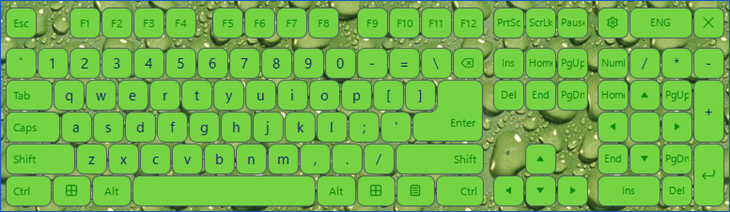
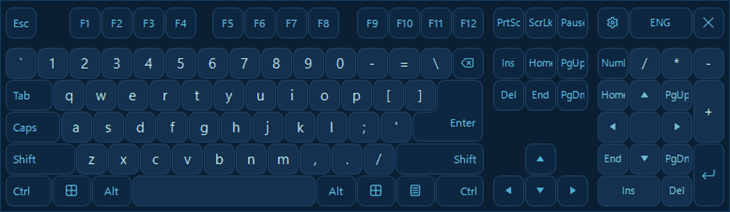
You can set the background to any virtual keyboard. To do it, select the Add Background command on the Edit menu and open the necessary image file.
30 günlük deneme Kredi kartı gerekmez 13.7 MB
Personalize your on-screen keyboard with skins
A keyboard skin defines how your on-screen keyboard looks: the shape and size of the keys, their background images, font colors, and sounds. Hot Virtual Keyboard comes with a collection of ready-made skins – from classic and minimal layouts to colorful, rounded, and touch-friendly kiosk designs – so you can match the keyboard to your screen and your taste in a couple of clicks.
Every skin is fully editable. You can start from any built-in skin and change individual keys, swap key images, adjust colors and fonts, or add a custom background to create a unique virtual keyboard for desktops, tablets, and touchscreen devices. See how to customize the virtual keyboard for a step-by-step guide.
Ayrıca bkz: Customization of the virtual keyboard